

PRACTICAL AI AT WORK · OPENAI · CHATGPT
An impressive demonstration does not tell a manager whether AI will improve a real workflow. A useful pilot answers a more specific question: can this team complete this job to the required standard with less effort or a better result?
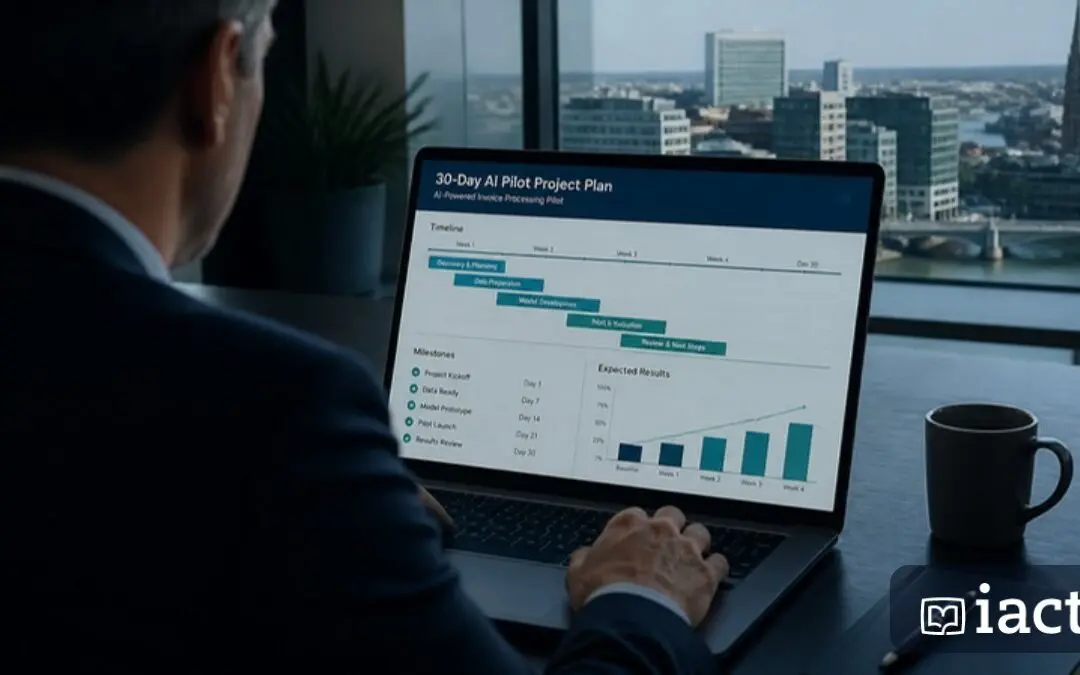
A 30-day pilot is a practical planning framework, not a promise that every organisation can implement AI in a month. Use the period to learn enough to make a sensible next decision. ChatGPT can provide a starting workspace, while Claude and Gemini may be better fits for particular teams or existing systems.
Week 1: choose one job and establish a baseline
Select a repeated task with clear inputs and a reviewable output. Preparing a weekly project update is easier to evaluate than “improve management”. Avoid beginning with a process where an unchecked error could create a serious consequence.
Observe how the work is done now. Record preparation time, production time, review time and common corrections. Agree what an acceptable result looks like. Choose a named process owner and the colleague who will approve the output.
Week 2: teach the workflow
Train a small group using approved sample material. Teach them how to brief the assistant, supply the right context, identify unsupported statements and refine the result. Give them a reusable example and a clear route for questions.
For a ChatGPT-based pilot, Projects can help keep related instructions, files and conversations together, subject to workspace settings. Use the setup to organise the work, while checking access and source versions. A project structure does not remove the need to decide what information belongs there.
A PRACTICAL WORKFLOW
Week 3: test ordinary and difficult cases
Run the workflow on representative work. Include missing information, inconsistent source material and an unusual request. Keep the reviewer involved and record corrections. If colleagues repeatedly fix the same error, update the brief or change the process rather than accepting the extra work as inevitable.
Ask participants what made the task easier and what made it harder. Confidence matters, but it should sit beside evidence of accuracy and usefulness. A tool people enjoy using may still produce the wrong result for a particular job.
A prompt to plan the pilot
Help plan a 30-day pilot for [workflow]. The current process is [description]. Propose a baseline, a small test group, training activities, quality checks and a review template. Separate measurable outcomes from assumptions. Include the effort required for preparation, checking and correction. Identify conditions under which we should stop, revise or expand the pilot.
Week 4: assess the whole cost and benefit
Compare the full effort per approved output, not just the time spent generating a draft. Include licence costs, training, setup and ongoing maintenance. If a task previously took 40 minutes and now takes 25 including review, the illustrative saving is 15 minutes per occurrence. That is capacity released, not automatically cash saved.
Also ask whether the output improved: fewer missing actions, clearer communication or faster access to evidence. Keep the measures specific enough to audit. Avoid borrowing another organisation’s published return-on-investment figure as your own forecast.
Make an explicit next decision
Choose to stop, revise, continue or expand. If expanding, identify the next team, the training required and who maintains the workflow. Keep human review where it is still needed.
A successful pilot creates an informed decision and a repeatable working method. Bespoke training is particularly useful here because managers and staff can practise on the actual kinds of tasks they need to improve, using the tools their organisation has approved.
Sources and further reading
Product information checked 4 November 2026. Features and availability depend on your plan and administrator settings. Examples and suggested workflows are illustrative.