

PRACTICAL AI AT WORK · GOOGLE · GEMINI
A long procedure is not automatically a good learning resource. Employees need to understand what matters, recognise the situations where it applies and practise the decisions they will make at work. AI can help turn approved source documents into a first draft of that learning experience.
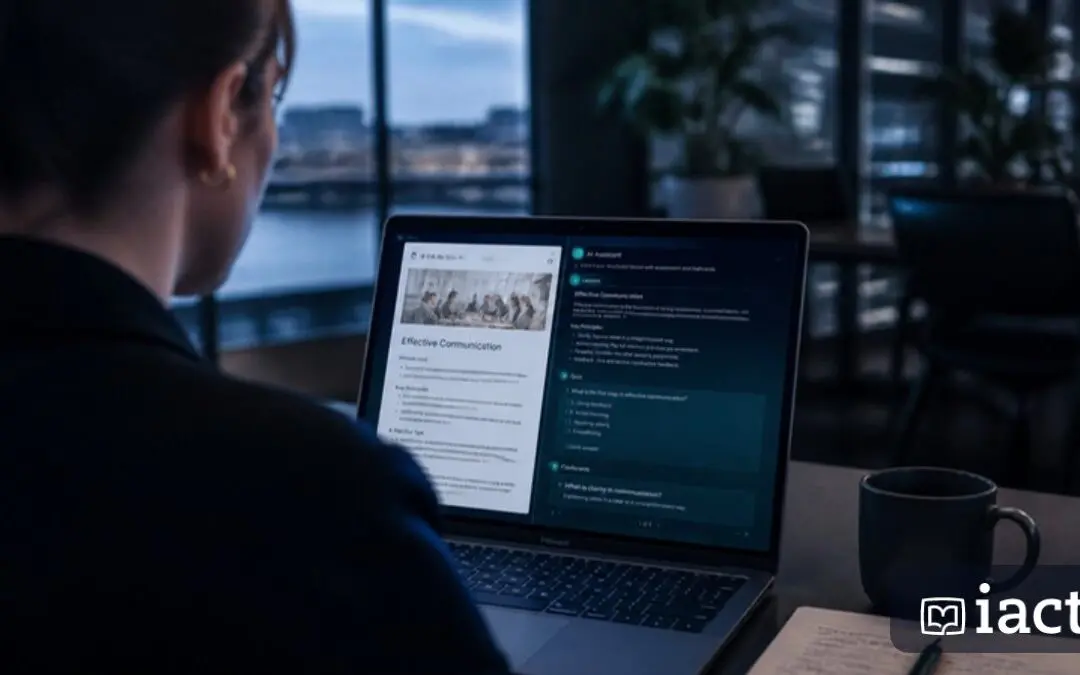
Google documents quiz, flashcard and study-material features in Gemini, with availability and sharing restrictions depending on the account. Gemini in Docs can also help draft and refine written material. For workplace training, use those capabilities within a deliberate instructional process.
Start with what people must do
Write a learning objective in terms of an observable action. “Understand the complaints procedure” is difficult to assess. “Identify when a complaint must be escalated and record the required information” gives the learning designer something concrete to work towards.
Then identify the approved source. Record its version, owner and review date. If the policy is unclear, resolve the ambiguity with the owner before turning it into a quiz. AI should not quietly settle an internal policy question.
Create a small learning pack
Ask for a plain-English overview, a short workplace scenario, a checklist and a few questions. Give each item a specific purpose. The overview explains; the scenario invites a decision; the checklist supports the job; the questions reveal gaps in understanding.
For an illustrative onboarding topic, a scenario might describe a new employee receiving a customer request that falls outside their authority. The learner should decide who to contact and what to record. This tests application more meaningfully than asking them to repeat a definition.
A PRACTICAL WORKFLOW
A prompt for learning designers
Use only this approved procedure to draft a 15-minute learning activity for [audience]. The objective is [observable action]. Include a short explanation, one realistic scenario, five questions and an answer key with source-section references. Explain why each correct answer is right. Do not add policy requirements. Flag ambiguities and any question that cannot be answered from the source.
Review the questions as carefully as the content
Check that every question has a defensible answer and that incorrect options are plausible without being misleading. Avoid clues such as making the correct answer much longer than the others. Ask a subject expert to review the answer key against the source, not just against the AI-generated explanation.
Consider accessibility and audience needs. Short sentences, clear headings and readable diagrams help many learners. If translating, have a competent reviewer check the meaning of critical instructions and terminology. A fluent translation can still change an important condition.
Test with a few real learners
Observe where learners hesitate, misinterpret a question or need more context. Revise the activity before rolling it out. Keep the original source linked to the learning pack so future changes can be traced through the summary, scenario and questions.
Do not confuse a quiz score with proof of competence. Some tasks also require observation, supervised practice or a formal assessment process. AI-generated material can support that process without replacing the person accountable for the standard.
Make the workflow portable
ChatGPT and Claude can also draft explanations and questions from approved material. Select the tool that fits your data rules and authoring process. Before promising distribution, check whether your account allows sharing or export of the chosen format. For a learning team, the lasting benefit is a faster, reviewable route from source material to useful practice.
Sources and further reading
Product information checked 4 November 2026. Features and availability depend on your plan and administrator settings. Examples and suggested workflows are illustrative.