

PRACTICAL AI AT WORK · GOOGLE · GEMINI
AI makes it easy to produce more marketing content. The harder task is producing content that says something useful, sounds like your organisation and leads the reader towards a sensible next step. A strong brief matters more than the number of variations generated.
Gemini in Google Docs can help write, refine and work with reference material on eligible plans. For a team already using Workspace, that makes an approved campaign document a useful starting point. ChatGPT and Claude can support similar drafting work with the appropriate inputs; the process below is designed to travel between tools.
Write the campaign brief before the copy
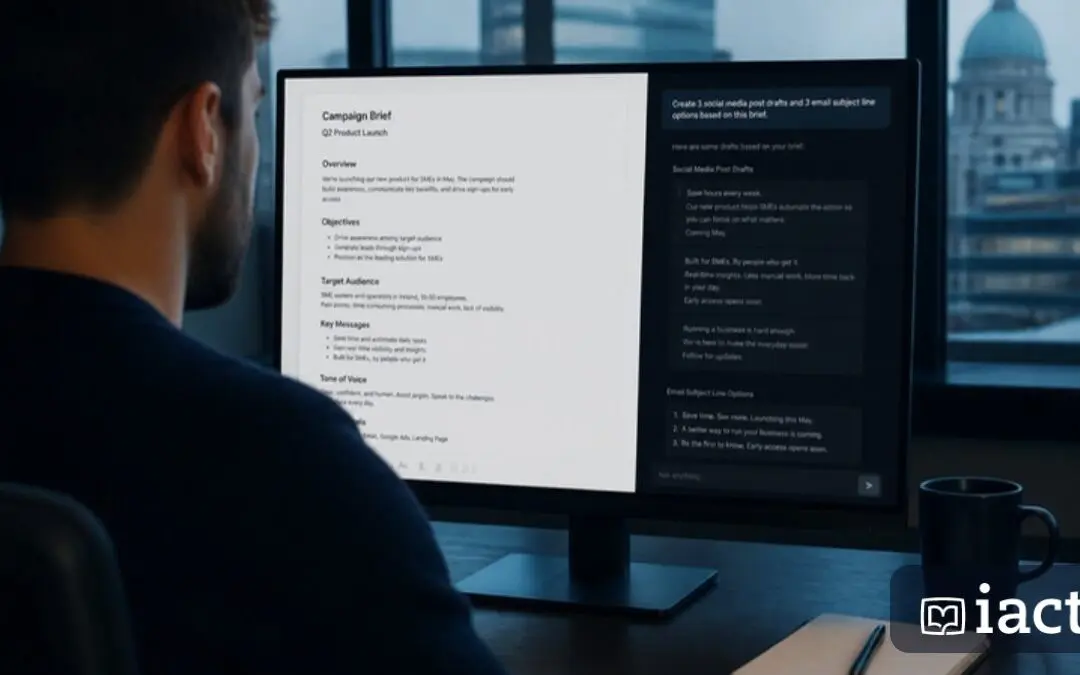
Capture the audience, the problem they need to solve, the offer, the evidence and the action you want them to take. Add practical constraints such as the channel, length and tone. Include examples of approved wording and a short list of claims the team cannot make.
For an illustrative professional-services campaign, the audience might be operations managers who lose time to manual reporting. The offer could be a discovery workshop. The supporting evidence should come from approved service information, not invented customer results or unsourced productivity percentages.
Develop several distinct messages
Ask Gemini for three approaches: one focused on the problem, one on the practical outcome and one on the questions a buyer should ask. Compare the reasoning behind each approach. Reject variations that merely replace a few adjectives while repeating the same vague promise.
Choose one message before expanding into multiple channels. This avoids producing an email, a landing page and a presentation that make different promises about the same service.
A PRACTICAL WORKFLOW
A prompt for a coordinated first draft
Use this approved campaign brief to propose three distinct message approaches. For each, identify the audience problem, main promise, supporting evidence and call to action. Do not invent testimonials, statistics or customer names. After I choose an approach, draft a short email, a LinkedIn post and a five-slide outline. Flag any statement that needs evidence or commercial approval.
Adapt the message to the channel
An email needs a clear reason to read and a manageable next step. A social post needs an idea worth discussing. A presentation needs a sequence that helps the audience understand the problem and the proposed response. Reusing the brief is sensible; pasting the same paragraph everywhere usually is not.
Ask the assistant to explain what it changed for each channel. That makes the output easier to evaluate and helps less experienced marketers learn the underlying communication choices.
Use visuals to explain something
A process diagram, a genuine product screenshot or a carefully selected image can make an article easier to understand. Start with the point the reader needs to grasp. For a comparison, use a clearly labelled table. For a workflow, show the steps and the decision that changes the route.
Keep illustrative visuals separate from evidence. Do not present an invented interface as a real product screenshot or a decorative chart as measured results. Check image rights, brand consistency, legibility and alternative text before publication.
Review and learn from the campaign
Use a named reviewer to approve factual claims, tone and the destination links. Then measure a meaningful outcome such as suitable enquiries or completed bookings, alongside engagement measures. Keep the result attached to the brief so the next campaign starts with learning rather than another blank page.
Training should give a marketing team a repeatable method they can use with its own brand material. A good exercise ends with an approved content pack and a clearer understanding of why it works.
Sources and further reading
Product information checked 4 November 2026. Features and availability depend on your plan and administrator settings. Examples and suggested workflows are illustrative.