

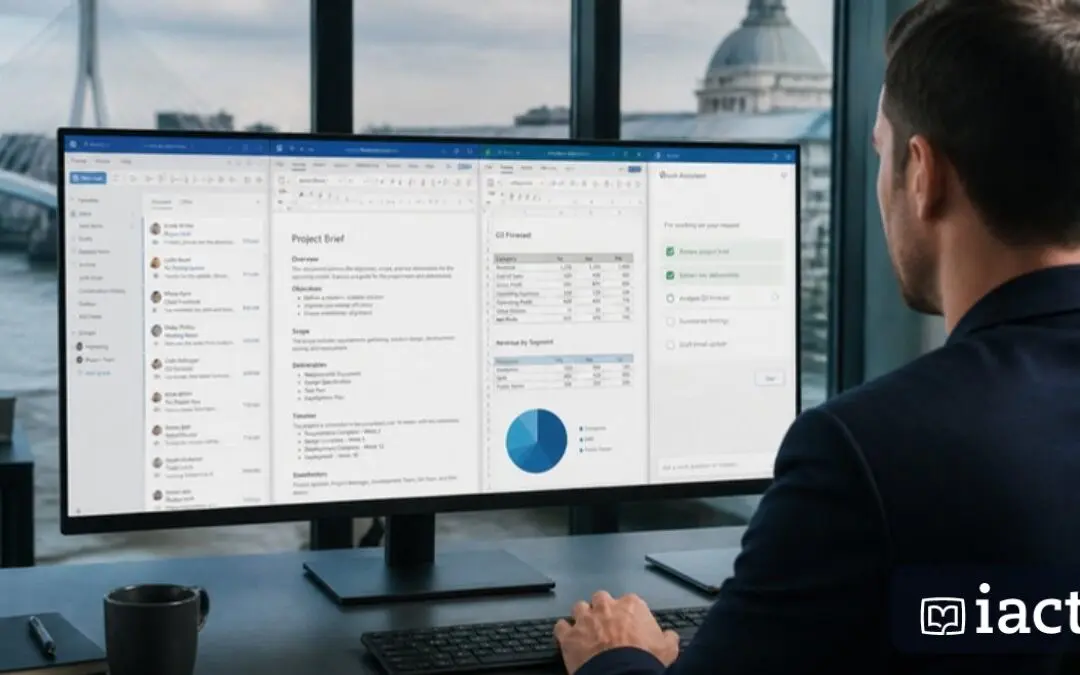
Most people’s experience of Copilot so far has been a single exchange: ask, receive, move on. Copilot Cowork, which reached general availability on 16 June 2026, is a different kind of assistant. It is agentic – it can take on a longer task with several steps, work across multiple apps, and keep going in a secure cloud-hosted environment while you do something else. Think of it less as a chatbot and more as a delegate you hand a job to and check on later.
From passive assistant to active agent
The defining feature of Cowork is autonomy over multiple steps. Where classic Copilot answers a question, an agentic Copilot can plan a task, carry out each stage, and assemble a finished result. The 2026 Microsoft 365 updates describe this as turning Copilot from a passive assistant into a role-adaptive agent. In practice that means a request like ‘pull last quarter’s figures, summarise the trends, and draft a slide deck’ becomes one delegated job rather than a dozen manual prompts.
Built-in skills and a secure cloud environment
Cowork ships with a set of built-in skills – reported at launch as 13 – covering common multi-step jobs, and it runs in a secure, cloud-hosted environment rather than locking up your own machine. Because the work happens in the cloud, long-running tasks continue in the background. Billing is pay-as-you-go, which lets organisations try it on real workloads without a large upfront commitment and pay for what they actually use.
Where it fits alongside the rest of Copilot
Cowork does not replace Copilot in Word, Excel, Teams and Outlook – it complements them. The in-app Copilots are best for focused, in-the-moment help: drafting a paragraph, cleaning a range, summarising a meeting. Cowork is for jobs that span several of those apps and several steps. Microsoft’s broader 2026 direction – agentic features across Word, Excel and PowerPoint, Copilot Studio for custom agents – all points the same way: AI that acts, not just advises.
What this means for how you work
Delegating multi-step work changes the skill that matters most. The valuable ability becomes clear task specification – describing the outcome, the inputs, the constraints and what ‘done’ looks like – and then reviewing the result critically. This is closer to managing a capable junior colleague than to using software. Teams that get good at writing precise briefs and verifying output will get far more from agentic Copilot than those who fire vague requests at it.
Adopting it responsibly
Treat early agentic work the way you would a new team member’s: start with lower-stakes tasks, review everything it produces, and keep a human approving anything that is sent, published or acted on externally. Be deliberate about what data it can reach, since an agent working across apps touches a lot of information. Used with that discipline, Cowork can absorb the multi-step busywork that eats professional time, while you keep ownership of the decisions.
Key takeaways
- Copilot Cowork reached general availability on 16 June 2026 and performs longer, multi-step tasks across apps.
- It is agentic – it plans and executes several stages of a job autonomously, not just answering single prompts.
- It ships with built-in skills (13 at launch), runs in a secure cloud environment, and is billed pay-as-you-go.
- It complements rather than replaces the in-app Copilots in Word, Excel, Teams and Outlook.
- Get value from it by writing precise briefs and reviewing output; keep a human approving anything sent or published.
Train with IACT
IACT offers instructor-led Microsoft Copilot training for teams and individuals across Ireland.
Featured video: What's New in Microsoft 365 Copilot | June 2026 – A Guide to Cloud & AI
Related sources: What's new and coming next to Microsoft 365 Copilot and Teams · Release Notes for Microsoft 365 Copilot – Microsoft Learn · Top Microsoft Copilot Features You Should Know in 2026 – Copilot Experts