

The Formula Bar Is No Longer the Front Door
Something remarkable has happened to Excel in 2026: you can now describe what you want in plain English and the spreadsheet builds it. Microsoft Copilot in Excel can write complex formulas, explain what they do, generate charts, summarise data ranges and execute multi-step “agent” tasks across a workbook — all from a single natural language instruction.
Power BI has followed suit. Copilot now offers advanced predictive modelling and automated recommendations within dashboards, moving far beyond simple natural language queries.
The Power Trio of 2026: Excel, Python and Power BI
The teams getting the most value from data tools are treating Excel, Python and Power BI as one integrated system. Each plays a distinct role:
- Excel remains the central workspace for financial modelling and ad-hoc calculation. Copilot accelerates formula creation and data cleaning.
- Python handles automation, advanced statistical analysis and machine learning. The “Python in Excel” add-in lets users run Python scripts directly inside a workbook.
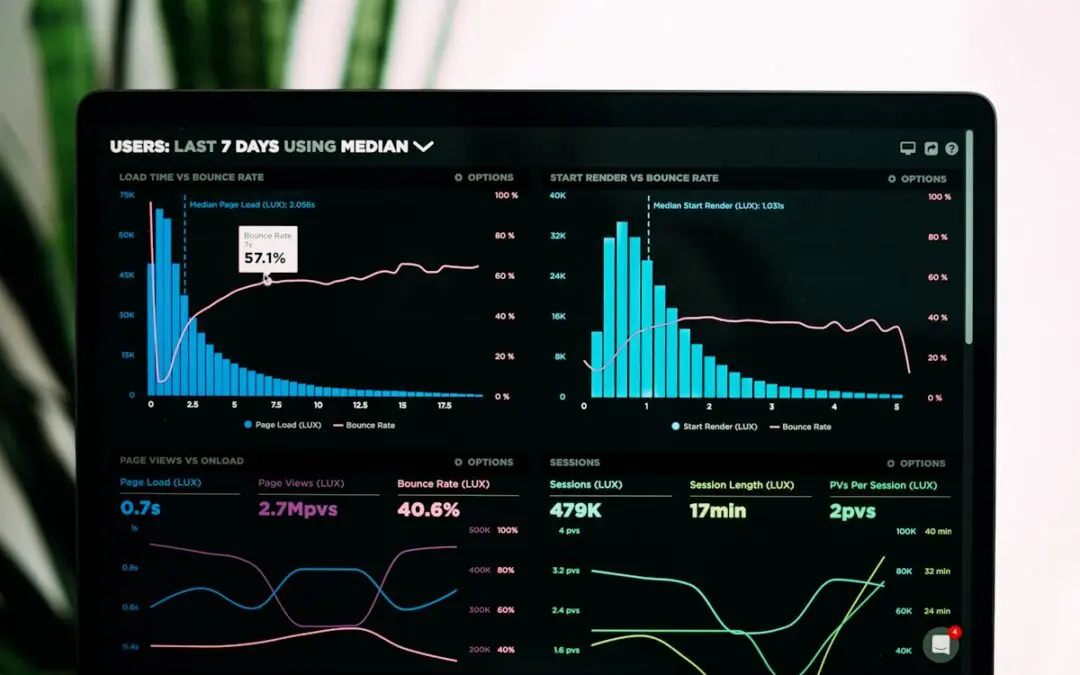
- Power BI transforms data into real-time dashboards that communicate insights to decision-makers clearly and visually.
Seventy percent of finance teams now run on cloud-based platforms, with models refreshing daily or hourly. The ability to work fluidly across these three tools is rapidly becoming a baseline professional expectation in Irish accounting, banking, HR and marketing.
What the AI Still Cannot Do
AI can write a formula, but it cannot tell you whether the formula answers the right question. The critical thinking layer — knowing when a result is plausible, when a chart is misleading, when an automated recommendation should be questioned — remains entirely human.
IACT Data Skills Courses
- Excel for Beginners — core skills for confident everyday use
- Excel Advanced: Data Analysis — pivot tables, advanced formulas, data modelling
- Excel Automation with Python — the Power Trio workflow in practice
- Power BI — dashboard creation, DAX and data visualisation
- Data Analytics Master Diploma — the complete programme